
Welcome to Total CMS
Total CMS is a flat-file PHP content management system for people who build websites — site builders, developers, agencies, freelancers. Content lives as JSON on disk, templates use Twig, and every operation in the admin is a REST endpoint.
You can run a Total CMS site on any PHP host without provisioning a database or wiring up an ORM.
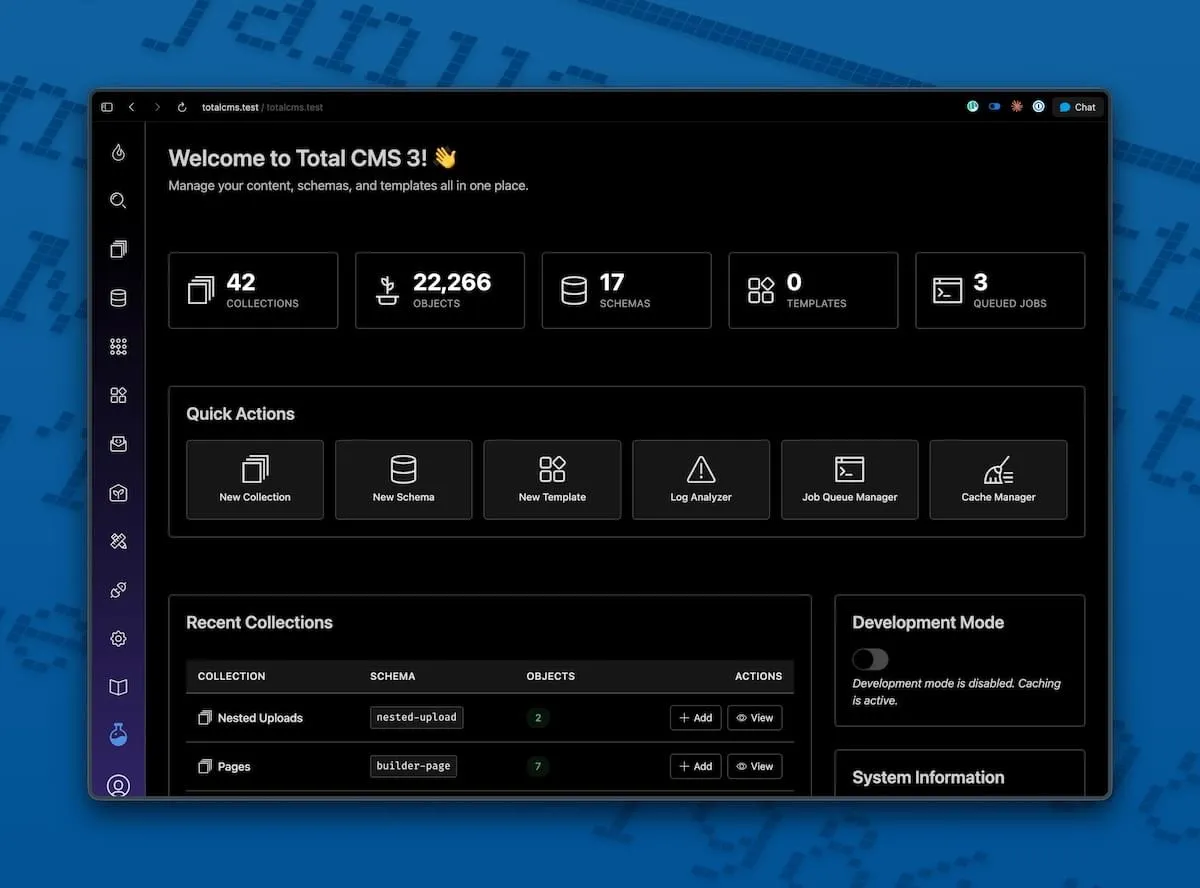
How it works
Section titled “How it works”- Content lives in flat files — Your collections, schemas, and objects are stored as JSON on disk. No database to provision, host, or back up.
- Site Builder publishes pages instantly — Add a page in the admin and it’s live at its URL. No build step, no deploy, no static generation.
- Twig templates and a REST API — Render content with Twig in-process for SSR, or hit the REST API from any frontend.
How content is organized
Section titled “How content is organized”A handful of terms come up throughout these docs:
| Term | What it is |
|---|---|
| Object | A single record inside a collection — one blog post, one product, one image |
| Property | A field on an object — title, body, date, image, etc. |
| Schema | The definition of what properties are contained within an object |
| Collection | A group of related objects that share the same schema — e.g. all your blog posts, all your gallery images |
You’ll see these throughout. The Your First Site tutorial uses them in context.
Why flat-file? Your content travels with your code. Copy a folder and you have a complete site. Back it up with
tar. Move it between staging and production without a database dump-and-restore dance. Version-control your content alongside your templates. The database never goes down because there isn’t one.
What you’ll build in 10 minutes
Section titled “What you’ll build in 10 minutes”The fastest way to learn Total CMS is to build something with it. The Your First Site tutorial walks you through:
- Installing Total CMS
- Adding your first blog post in the admin
- Writing a short Twig template
- Seeing your post render on a public page
By the end, you’ll have hands-on familiarity with collections, schemas, objects, the admin, the file layout, and the template engine — the foundational ideas of Total CMS, learned by doing.
Already installing?
Section titled “Already installing?”If you’d rather skip the tutorial and go straight to setup:
| Step | What it covers |
|---|---|
| System Requirements | Server, PHP, and extension checks |
| Installation | Composer command, setup wizard, layout options |
Using AI coding assistants
Section titled “Using AI coding assistants”If you use Claude Code, Cursor, Windsurf, or GitHub Copilot, point them at the Total CMS docs MCP server at https://totalcms.co/mcp — our own docs site, dogfooding Total CMS’s built-in MCP server. Your assistant can then look up exact Twig signatures, field configurations, REST endpoints, and CLI commands on demand — no more guessing at function names from stale training data.
One JSON snippet in your editor’s config gets it working across every Total CMS project. See Using Total CMS with AI for the per-tool setup and the full list of MCP tools (docs_search, docs_get, docs_lookup, and more).
Community & support
Section titled “Community & support”- Community Forum — Ask questions, share what you’re building, and get help from other Total CMS users.
- Documentation — Use the search above, or browse the sidebar by feature area.
Video walkthroughs
Section titled “Video walkthroughs”Prefer learning by watching? The Total CMS YouTube playlist covers everything from installation to advanced templating.
Featured:
- Full Tutorial — Complete walkthrough from installation to deployment
- Latest Features Overview — What’s new in the most recent release